There’s a quiet mismatch happening in Web3 marketing.
Projects spending millions on smart contract audits and token engineering will ship a landing page built on a drag-and-drop page builder from a decade ago — bloated with JavaScript, dependent on third-party servers, and impossible to version control. The technical credibility the product earns on-chain gets quietly undermined by the infrastructure holding the front door open.
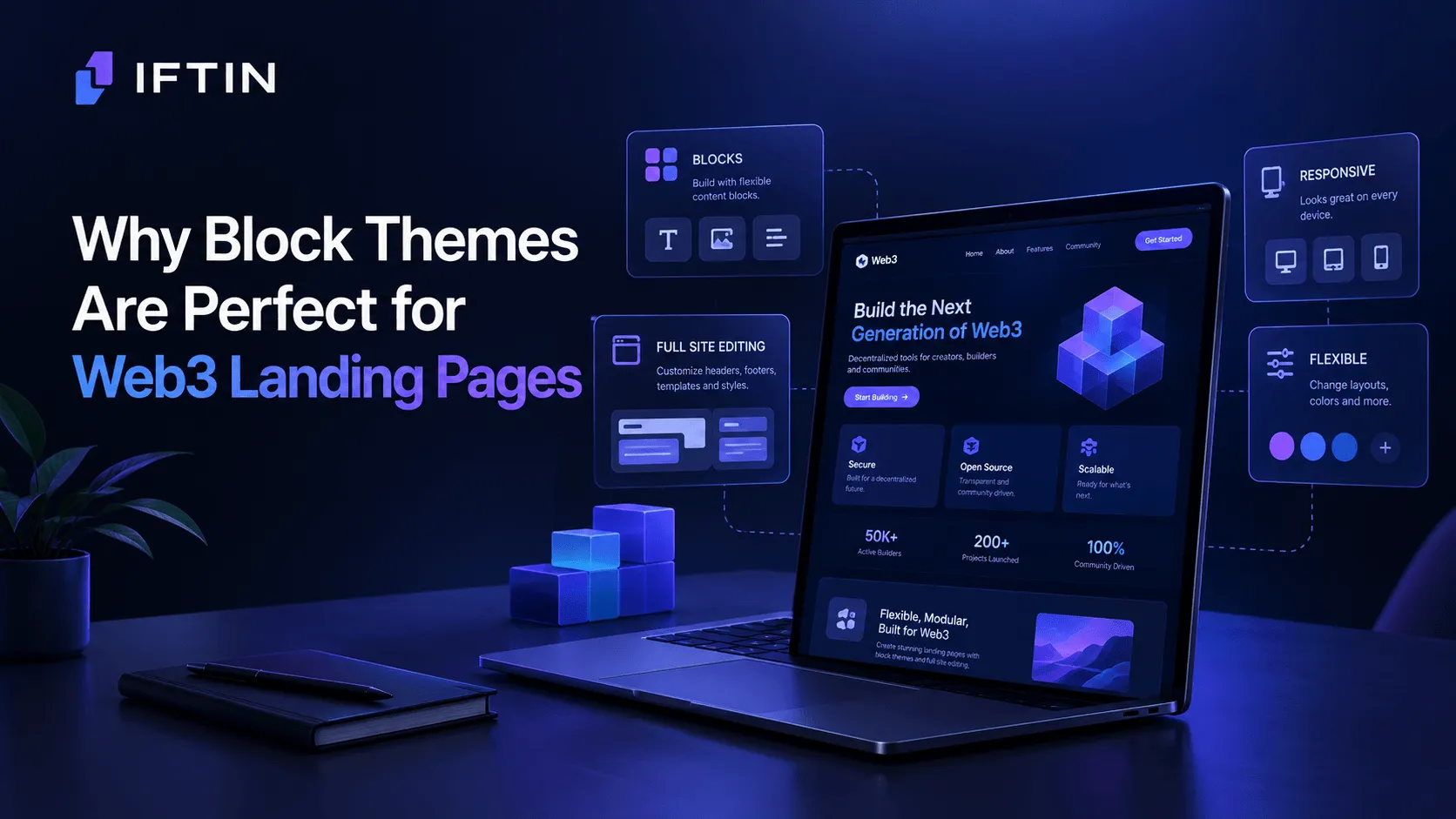
WordPress Block Themes fix this. Not because they’re fashionable, but because the architectural decisions that make them work happen to align almost perfectly with what a Web3 landing page actually needs.
What Makes a Web3 Landing Page Different
Before getting into the technical case, it’s worth being precise about what we’re talking about.
A Web3 landing page isn’t just a marketing page with a dark background and a wallet connect button. It carries specific requirements that generic landing page tools handle poorly:
Trust signals at the infrastructure level. Visitors to a Web3 product are often more technically literate than average. They notice slow load times, external script calls, and third-party dependencies in ways that mainstream audiences don’t. A landing page that phones home to five different analytics providers before rendering isn’t just slow — it signals something about how the team thinks about data sovereignty.
Rapid iteration without breaking things. Token launches, governance changes, new partnership announcements — the content on a Web3 landing page changes faster than almost any other category of site. The ability to update copy, swap sections, and reconfigure layouts without touching a codebase isn’t a nice-to-have. It’s operational.
Ownership of the stack. The Web3 thesis is fundamentally about removing unnecessary intermediaries. Running your landing page on infrastructure you control — rather than renting it from a SaaS tool that can change pricing, disappear, or lock your content — is philosophically consistent with what you’re building.
Block Themes address all three of these requirements directly.
The Architecture Case
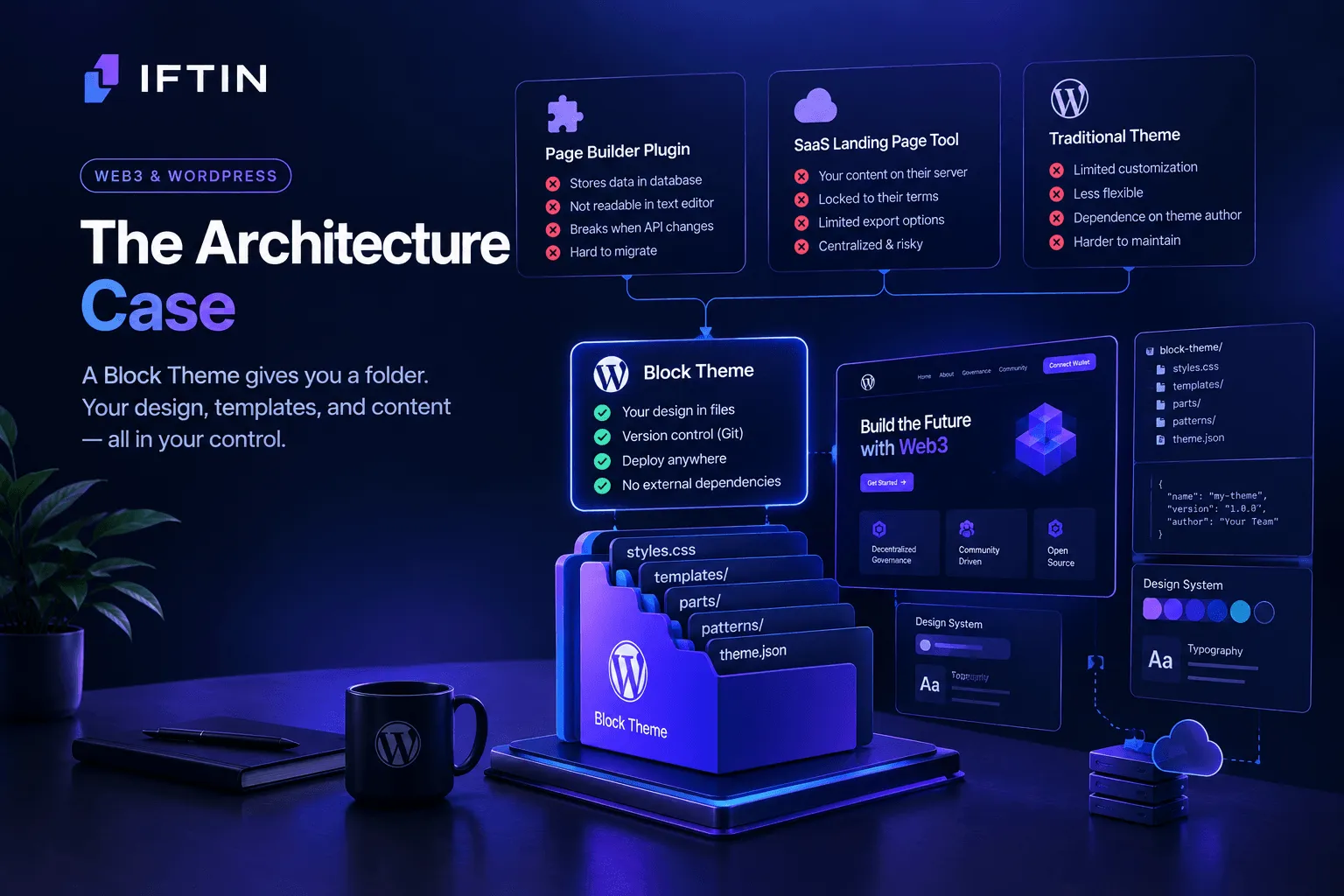
A WordPress Block Theme stores your entire site design in files. Your header, footer, templates, color palette, typography — all of it lives in a directory you can zip, version control, and deploy anywhere WordPress runs.
Compare that to the dominant alternatives:
A page builder plugin stores your layouts in the WordPress database as serialized metadata. You can’t read it in a text editor. You can’t diff it in Git. When the plugin’s API changes, your content breaks silently. When the company gets acquired or shuts down, you’re migrating content manually.
A SaaS landing page tool is worse. Your content lives on someone else’s server, under someone else’s terms of service, exportable only in formats the platform chooses to support. The irony of a decentralization project running its public face through a centralized content platform is significant — and increasingly noticed by the communities these projects are trying to reach.
A Block Theme gives you a folder. That folder contains your design system, your templates, and your content patterns. It runs on infrastructure you control. It can be deployed to any WordPress host, including self-hosted servers with no external dependencies.
For a Web3 project that cares about these things, this isn’t a minor technical preference. It’s alignment between product values and operational reality.
Performance Where It Actually Matters
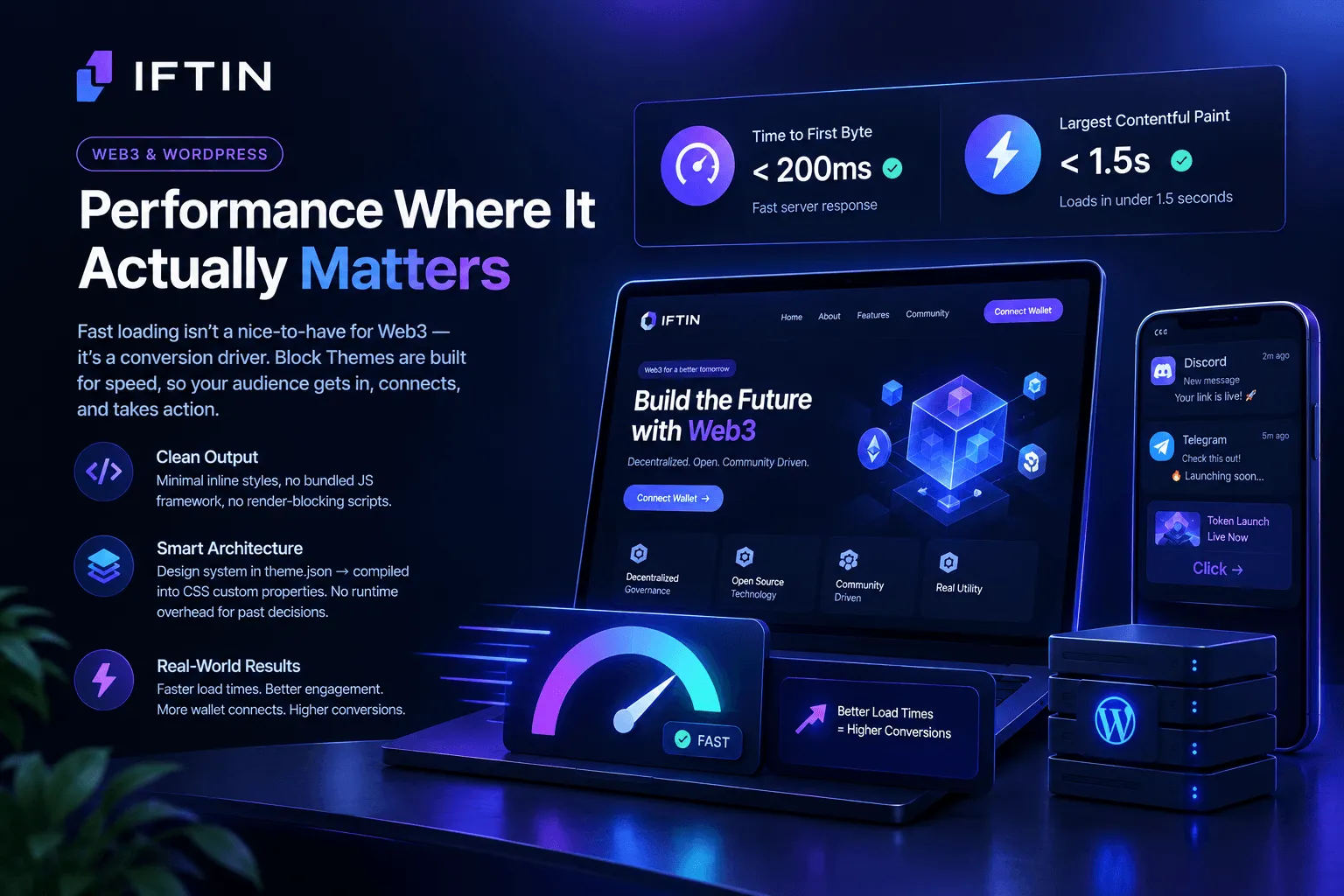
Web3 audiences aren’t patient. A significant portion of traffic to a token launch page or dApp landing page comes from links shared in Discord and Telegram — environments where users click, evaluate in seconds, and bounce if the page doesn’t load fast.
Block Themes are fast by design. The default output is clean HTML with minimal inline styles, no bundled JavaScript framework, and no render-blocking scripts. A well-built Block Theme can achieve a Time to First Byte under 200ms and a Largest Contentful Paint under 1.5 seconds on a modest server — without any caching plugin.
The reason is structural. Classic WordPress themes and page builders accumulate performance debt over time. Every new feature adds a script, a stylesheet, or a database query. Block Themes invert this — the design system is defined in theme.json and compiled into CSS custom properties at the theme level. There’s no runtime overhead for a layout decision you made six months ago.
For a landing page where the primary conversion goal is getting someone to connect a wallet or join a waitlist, every second of load time has a measurable cost. Block Themes start faster and stay faster.
The Design System Advantage
Every serious Web3 project has a visual identity — a color palette, typography hierarchy, and spacing system that carries the brand across the website, the app, and the documentation.
In a page builder workflow, this system exists informally. Colors are copy-pasted. Font sizes are set manually on individual elements. When a brand update comes through, someone has to hunt through every page and update values by hand.
In a Block Theme, the design system is explicit and centralized in theme.json:
{
  "settings": {
    "color": {
      "palette": [
        { "slug": "brand-primary", "color": "#8C042E", "name": "Crimson" },
        { "slug": "brand-accent", "color": "#00F0FF", "name": "Neon Cyan" },
        { "slug": "surface", "color": "#0A0101", "name": "Deep Black" }
      ]
    },
    "typography": {
      "fontSizes": [
        { "slug": "display", "size": "clamp(2.5rem, 5vw, 4.5rem)", "name": "Display" },
        { "slug": "body", "size": "1rem", "name": "Body" }
      ]
    }
  }
}
Change a value here and it propagates across every template, every pattern, every page that references it. A brand refresh that would take days in a page builder workflow takes minutes in a Block Theme.
For Web3 projects that move fast — and most do — this isn’t abstract. It’s the difference between a rebrand that gets done and one that gets postponed indefinitely because it’s too painful.
Patterns: Pre-Built Sections That Actually Work
The component that makes Block Themes genuinely powerful for Web3 landing pages is the pattern system.
A Block Theme pattern is a pre-built block layout — a hero section, a features grid, a tokenomics breakdown, a team roster — defined in a PHP file and available instantly in the block editor. Unlike page builder templates that are proprietary and non-portable, Block Theme patterns are standard WordPress markup. They work across any WordPress installation running a compatible theme.
For a Web3 project, you can build a pattern library that covers your entire content vocabulary:
- A hero with headline, subheadline, CTA buttons, and a wallet connect prompt
- A tokenomics section with distribution chart and vesting schedule table
- A roadmap with milestone markers and status indicators
- A team grid with roles and social links
- A feature comparison table for pricing tiers
Once these patterns exist, building a new landing page for a token launch or a partnership announcement is a matter of assembling patterns in the editor — not commissioning new design work. The consistency is automatic because everything draws from the same design system.
Version Control and Deployment
This point gets overlooked in most discussions of Block Themes, but it matters enormously for technical teams.
Because your design lives in files, you can treat your WordPress theme like any other codebase:
git commit -m "Update hero section for v2 token launch"
git push origin staging
# Review, approve, merge
git push origin production
You get a full history of every design change. You can roll back a template update that breaks something. You can run staging environments that mirror production exactly. You can do code review on visual changes.
Page builders can’t offer this. Their content lives in the database, mixed in with post content, invisible to Git. The only way to “version” a page builder layout is to take screenshots and hope.
For a Web3 team that already runs a disciplined engineering workflow, bringing the front-end into that workflow through Block Themes is a natural extension of existing practice.
The Governance Parallel
There’s a conceptual parallel worth making explicit.
Good DAO governance separates concerns: the rules that govern the protocol are on-chain and transparent; the execution happens at the application layer; the interface is replaceable without touching the underlying logic.
Good Block Theme architecture does the same thing: the design system is in theme.json and transparent; the content is in the database; the templates and patterns are replaceable without touching the content.
This isn’t an accident. Both approaches are responses to the same problem — how do you build systems that are maintainable, auditable, and not dependent on any single point of control?
The answer, in both cases, is separation of concerns and explicit, readable specifications. Block Themes apply the same architectural thinking to the presentation layer that Web3 applies to financial infrastructure.
The Bottom Line
Web3 landing pages fail for predictable reasons: slow load times that lose impatient users, design systems that break under rapid iteration, and infrastructure dependencies that contradict the project’s own values.
Block Themes address all of these at the architectural level — not through plugins or workarounds, but through the fundamental design of how they store and render content.
The teams building the most technically credible Web3 products deserve a front-end architecture that matches that credibility. Block Themes are that architecture.
Want to go deeper? Read our guides on How to Build a Modern Web3 Startup Website with WordPress Block Themes, What Is a Web3 Startup, and Startup Landing Page Best Practices for Web3 Projects